

Send Mass Email in Salesforce: Methods, Limits, and When You Need a Better Tool

360 Degree Cloud
07 Jul 2026
Table of Contents
Salesforce admins how to send a mass email in Salesforce and you’ll get five different answers. List views, campaign sends, report-based sends, Classic Mass Email, a random AppExchange app someone installed two years back. All of them technically work. Most teams just pick whichever one they stumbled on first, then get surprised months later when a send stalls mid-campaign.
If you’re trying to send mass email in Salesforce today, here’s the thing: there isn’t one right way. There are four native methods, each built for a different kind of list, and a fifth path (a dedicated app) that shows up once native options stop keeping pace with what your team actually needs to do.
This guide walks through each method, where it breaks down, and how to tell which one fits your next send.
See how 360 Mass Mailer removes Salesforce sending limits before you plan your next campaign.

Table of Contents
The Ways to Send a Mass Email in Salesforce
Salesforce gives you four native paths, and one of them is basically legacy at this point:
- List Email: send from a list view of Leads, Contacts, or Person Accounts. Fastest option for Lightning-native sending.
- Campaign-based Send List Email: send to Campaign Members, filtered by status.
- Email From Reports: send to whoever shows up in a report, as long as it includes a Record ID column.
- Classic Mass Email: the old Salesforce Classic tool. Still around, rarely the best choice anymore.
Beyond those four, there’s a fifth category: native AppExchange apps like 360 Mass Mailer, built specifically for teams whose sending needs have outgrown what Salesforce ships out of the box. We’ll get to when that switch makes sense. First, the native methods, in the order most admins actually reach for them.
Sending from a List View: The Fastest Native Method
This is the one most people learn first, and for good reason. Open a list view under Leads, Contacts, or Person Accounts, select your records (or select all matching the filter), and choose Send List Email from the dropdown. Pick a template, personalize the merge fields, hit send.
A few things worth knowing before you rely on this daily:
- It only works on standard objects that support list emails. Custom objects need a different approach entirely, which is one of the first walls admins hit.
- Templates matter here more than people expect. A plain-text template sends faster and triggers fewer spam filters than a heavily designed HTML one.
- Person Accounts behave like Contacts for this purpose, but double-check your org’s Person Account configuration if sends aren’t landing as expected.
This method is great for a one-off send to a segment you’ve already filtered. It’s not built for repeat campaigns, and it won’t tell you much beyond basic open tracking once the email is out the door.
Sending to Campaign Members
Sometimes a list view isn’t precise enough. You need people who are “Sent” but not “Responded,” or leads with a specific campaign status like “Registered” versus “Attended.” That’s what Campaign-based sending is for.
Go to the Campaigns tab, open your campaign, and use Send List Email from the Campaign Members related list. You can filter by member status before sending, which a raw list view simply can’t do.
Why this beats a list view for anything ongoing: campaign membership carries context. You know who’s already in the funnel, what stage they’re at, how prior sends performed. Running a multi-touch sequence? Tracking at the campaign level saves you from rebuilding audience logic every time.
The catch: campaign hierarchies get messy fast if nobody’s maintaining them. Status values only help if sales and marketing actually agree on what “Responded” means.
Sending from a Report
Here’s a method a lot of admins forget exists: Email From Reports. Build a report, make sure it includes a Record ID column (this part trips people up constantly), run it, and there’s an option to email the resulting recipients directly.
This one shines when your audience needs to be dynamic. Say you want to reach every open opportunity contact in a specific region with a deal value over a threshold. A report can filter that combination in ways a static list view or campaign membership can’t easily replicate. Rebuild the report criteria, rerun it, and your recipient list updates automatically.
The downside is setup friction. Reports need the right fields exposed and the Record ID column set up correctly. It’s powerful. It’s also the method most likely to confuse a marketing user who just wants to send an email, not build a query.
Classic Mass Email: Still Around, Rarely the Right Choice
Classic Mass Email lives in Salesforce Classic and still functions if your org has it enabled. Some legacy processes still route through it. But unless you have a specific reason tied to older automation, there’s no real advantage over List Email in Lightning. Consider it a fallback, not a strategy.
Salesforce Daily Mass Email Limits
Here’s where good intentions run into a wall. Salesforce enforces sending limits to protect deliverability across its entire platform, and those limits apply whether you’re sending through List Email, a campaign, a report, or Apex.
The commonly cited standard is 5,000 external mass emails per org per rolling 24-hour period, shared across every user, campaign, and automated process in that org. It is not a per-user allowance. It’s not reset at midnight either; Salesforce uses a rolling window, so a large morning send can quietly block an afternoon campaign on the very same day.
A few specifics worth confirming against your own org before you plan a big send:
| Environment | Typical Daily Cap |
| Production orgs (most editions) | Up to 5,000 external mass emails, org-wide |
| Developer Edition / Sandboxes | 15 emails per day |
| List Email batch (Lightning UI) | Up to 500 recipients per send |
| MassEmailMessage API calls | 250 recipients per call |
Edition doesn’t change the ceiling much. Enterprise and Unlimited orgs face roughly the same mass email cap as Professional. And because the limit is shared org-wide, a workflow-triggered notification campaign and your marketing team’s newsletter draw from the exact same pool. Check Setup under Company Information or your org’s email log files before scheduling anything at volume, since the exact figures can shift by license and edition and should be confirmed against current Salesforce documentation.
When Native Methods Stop Being Enough
None of this is a knock on Salesforce’s native tools. They work fine for small, occasional sends. The trouble starts when your sending needs grow past what a list view or a report was ever meant to handle. Watch for these signals:
You’re hitting the daily cap regularly, not occasionally. One blocked campaign is an inconvenience. A blocked campaign every week is a pattern, and it means your volume has outgrown the native ceiling.
Scheduling matters. Native tools don’t let you queue a send for 6 AM Tuesday and walk away. If your team needs sends to go out on a calendar, not whenever someone remembers to click a button, that’s a gap.
Custom objects are part of your workflow. List Email and Classic Mass Email are built around standard sales objects. The moment you need to email based on a custom object, like a membership record or a service ticket, native options run out of road fast.
You need real automation, not one-off blasts. Drip sequences, triggered follow-ups, and multi-step nurture flows require logic that native Salesforce email tools were never designed to run.
Deeper tracking would actually change what you do next. Basic opens and bounces only tell you so much. Click-level data, engagement scoring, and reply tracking tied back to the record matter once volume climbs.
This is where 360 Mass Mailer enters the picture. It removes the native sending ceiling, supports configurable custom-object sending through its EmailConfig approach, and keeps scheduling, automation, and tracking inside Salesforce rather than bolting on a separate platform.
Scale sending without exporting contacts to a third-party tool.

Final Checklist: Which Method Should You Use?
| Your Situation | Best Method |
| Quick, one-time send to a filtered list | List View / Send List Email |
| Ongoing campaign with status tracking | Campaign-based Send List Email |
| Dynamic audience based on complex criteria | Email From Reports |
| Legacy process still in Classic | Classic Mass Email |
| Hitting daily caps, need custom objects, scheduling, or automation | Native app like 360 Mass Mailer |
Conclusion
There’s no single correct way to send mass email in Salesforce, and that’s actually good news. It means whatever situation you’re in, one of these methods was probably built for it. A quick, filtered blast fits List Email. A tracked, ongoing sequence fits Campaign-based sending. A dynamic, criteria-driven audience fits Email From Reports.
The part that catches teams off guard isn’t the method. It’s the ceiling underneath all of them. Whether you send through a list view, a report, or a campaign, you’re pulling from the same shared daily cap, and that cap doesn’t care which department clicked send first.
So the real decision isn’t which native method to use this week. It’s whether your org’s sending volume, custom-object needs, and reporting expectations still fit inside what Salesforce ships natively, or whether you’ve quietly outgrown it. If you’re already reworking send schedules around a 5,000-email ceiling, that answer is probably closer than you think.

Solve It with Salesforce. We’ll Show You How.
AI. Apps. Experts. Everything you need to win with Salesforce under one roof.Frequently Asked Questions
How do I send a mass email in Salesforce?
Pick your audience source, a list view, campaign member list, or report, then use the matching email action. Choose a template, personalize what needs personalizing, and send. Which method you pick depends entirely on how that audience was built.
What is the daily limit for mass email in Salesforce?
The commonly referenced figure is 5,000 external mass emails per org per rolling 24-hour period, though the exact number depends on your edition and licensing. Always verify current caps in Setup under Company Information rather than assuming.
Can I send a mass email to a custom object in Salesforce?
Not really, not natively. Salesforce's built-in mass email tools are scoped to standard sales objects. 360 Mass Mailer handles this differently, supporting configurable custom-object sending through its EmailConfig setup.
What is the difference between List Email and Classic Mass Email?
List Email is the Lightning path, built for list views and campaign audiences. Classic Mass Email is the older tool tied to Salesforce Classic. Functionally similar, but List Email is where Salesforce's ongoing development actually goes.
When should I use a dedicated Salesforce mass email tool?
Once you're hitting caps on a regular basis, need to reach custom objects, or want scheduled and automated sends with real tracking behind them. That's usually the moment a native list view stops being enough, and it happens sooner than most teams expect.
About the author
Editorial TeamThe Editorial Team at 360 Degree Cloud brings together seasoned marketers, Salesforce specialists, and technology writers who are passionate about simplifying complex ideas into meaningful insights. With deep expertise in Salesforce solutions, B2B SaaS, and digital transformation, the team curates thought leadership content, industry trends, and practical guides that help businesses navigate growth with clarity and confidence. Every piece we publish reflects our commitment to delivering value, fostering innovation, and connecting readers with the evolving Salesforce ecosystem.
Recent Blogs
 Comparison
7 Best Pardot (Account Engagement) Alternatives for Salesforce Teams in 2026
Paying $1,250 a month for Pardot when your team mostly sends newsletters, bulk emails, and follow-ups? You might be paying for far more marketing automation…
Read More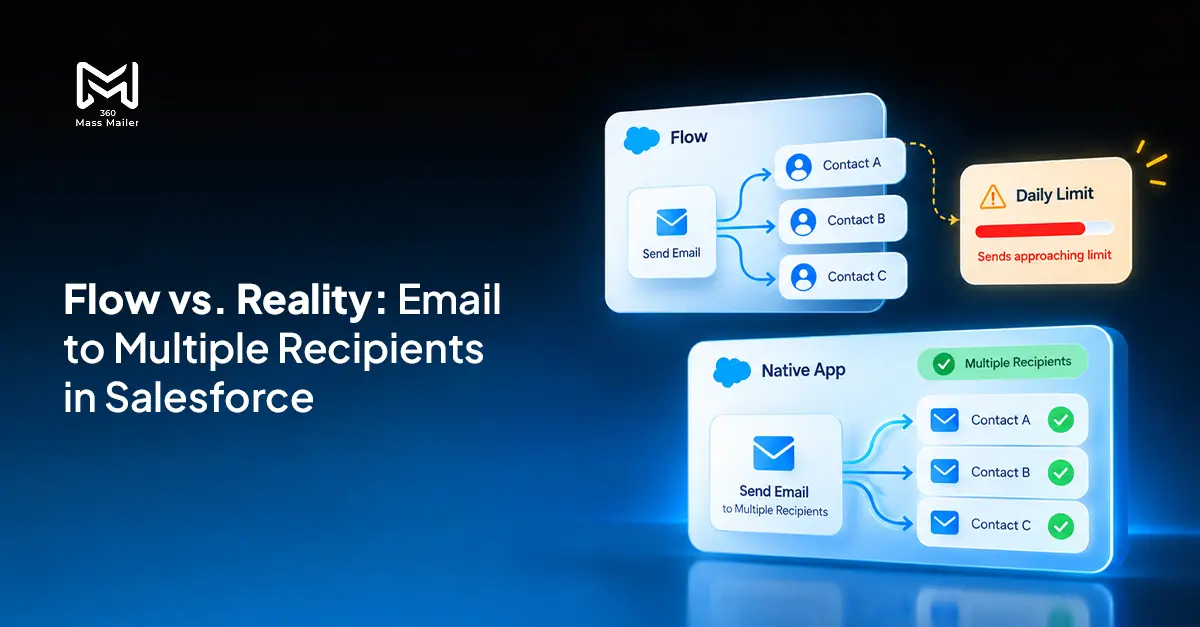 Email Marketing
Send Email to Multiple Recipients in Salesforce Flow: What Works and Where It Breaks
You’ve got a Flow that fires on a record update. You need it to send email to multiple recipients in Salesforce. The logic seems simple:…
Read More Comparison
7 Best Drip Campaign Tools for Salesforce in 2026: Features, Limits, and Pricing Compared
Most comparisons of the best drip campaign tools for Salesforce make the same mistake: they treat native tools and connected tools as if they’re interchangeable.…
Read MoreReady to Make the Most Out of Your Salesforce Instance?
Our Salesforce aces would be happy to help you. Just drop us a line at contact@360degreecloud.com, and we’ll take it from there!
Subscribe to our newsletter
Stay ahead with expert insights, industry trends, and exclusive resources—delivered straight to your inbox.
