

Salesforce License Optimization: How to Cut Costs by 30% Before Your Next Renewal
08 Sep 2026
Table of Contents
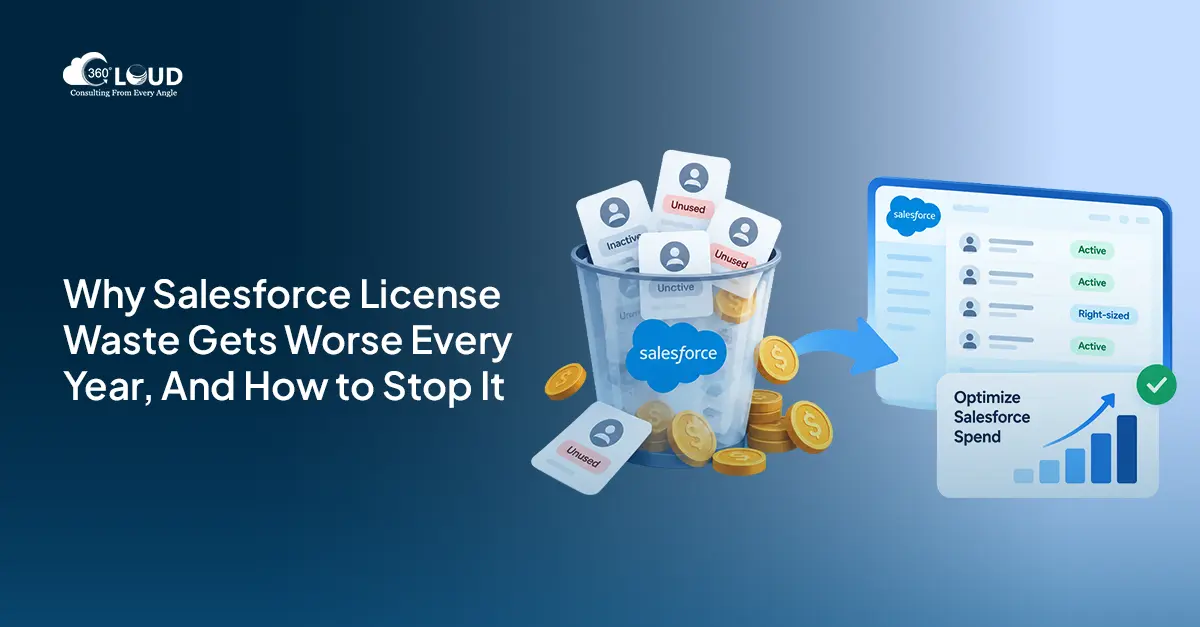
Most companies overpay for Salesforce. Not by a little – by 20 to 30%. And the frustrating part? Nobody planned for it. License waste doesn’t announce itself. It compounds quietly, quarter by quarter, until the renewal invoice lands and someone finally asks: “Why are we paying this much?”
Here’s what makes 2026 different. Salesforce raised list prices by roughly 6% in 2025. Agentforce added an entirely new consumption layer. And the orgs that haven’t done a real audit since their last renewal are walking into a far more complex negotiation than the one they remember.
This isn’t a theoretical blog. It’s a working playbook – how to find the waste, right-size what you actually need, and go into your renewal with numbers instead of nerves.
Get a clear picture of what to cut, what to right-size, and how to negotiate.

Table of Contents
Why Salesforce License Waste Is Getting Worse in 2026
Four things are driving this – and they’re all hitting at the same time.
First, every wasted seat costs more than it did last year. A 6% price increase sounds small until you do the math on 50 unused licenses at Enterprise pricing. That’s real money walking out the door every single month.
Second, orgs aren’t carrying just one license type anymore. Base user licenses. Permission-set licenses. Feature licenses. Add-ons. Agentforce Flex Credits. Data Cloud profiles. The complexity has stacked up – and most teams don’t have a clear picture of what they’re actually using versus what they’re paying for.
Third, four buckets are where waste reliably hides: inactive users who haven’t logged in for months but are still paying full seat cost, over-licensed user types who don’t need CRM access but hold Enterprise licenses anyway, permission-set licenses that were granted temporarily and never cleaned up, and integration accounts running full CRM seats when they should be on cheaper Integration User licenses.
Fourth – and this one actually matters – organizations that audit before renewal typically recover 15 to 25% of their annual contract value. That’s not a projection. That’s what happens when you walk in with data.
Step 1 – Run a Full License & Usage Audit
Start here. Every dollar you recover traces back to this step.
Pull your user list and login history from Salesforce Setup → Users. Anyone who hasn’t logged in for 90 or more days is a deactivation candidate. Flag them. Don’t assume they’re on leave – confirm it with their manager and act on the answer.
Next, look at which products have low adoption. Field Service licensed but rarely touched. Marketing Cloud add-ons that a previous admin set up and no one uses anymore. These renew automatically unless you actively remove them – and that’s exactly what Salesforce is counting on.
Check your permission-set license assignments carefully. PSLs get granted temporarily for a project or a training exercise and then just… stay. Nobody removes them because nobody’s watching them. Run the report, compare assignments against actual active use, and clean up what’s dormant.
Finally – integration accounts. If your API integrations are running on full CRM seats instead of Integration User licenses, that’s one of the fastest fixes available. Integration Users cost a fraction of a full seat and handle the same API workload.
That’s the audit in outline form. In practice, it’s a few hours of work that can surface tens of thousands of dollars in recoverable spend. 360 Degree Cloud’s Salesforce Org Health Assessment runs this as a structured service for organizations that want a clean, documented output they can take directly into a renewal conversation.
Step 2 – Right-Size Your License Tiers
This is where the real savings come from. Not from auditing – from acting on what the audit tells you.
The most common scenario: operational users holding Enterprise or Unlimited licenses because that’s what everyone gets by default, when all they actually do is run reports or view records. Platform licenses handle that use case at around $25 per user per month. Enterprise runs closer to $250. That’s a $225 saving per user per month, for every user you move down.
Think of it as a three-tier model. Full CRM licenses for your sales reps and service agents – the people who live in Salesforce all day and need the full suite. Platform licenses for operational users who need Salesforce access but not the CRM horsepower. Identity-only licenses for SSO access.
Experience Cloud is another one worth reviewing. If your external users log in infrequently, login-based Customer Community licenses at around $2 per login often cost far less than a flat monthly per-user fee. It depends on your usage patterns, but for lower-frequency access, the math almost always favors login-based pricing.
Here’s a quick reference for the most common license types and where they fit:
| License Type | Approx. List Price | Best Fit |
| Salesforce Enterprise | ~$150-$165/user/mo | Full CRM – sales, service, ops |
| Salesforce Platform | ~$25/user/mo | Operational users, light access |
| Identity | ~$5/user/mo | SSO-only access |
| CRM Analytics Plus | ~$150/user/mo | Analytics power users |
| Experience Cloud (login) | ~$2/login | Infrequent external users |
| Integration User | ~$10/user/mo | API-only system accounts |
Right-sizing your Salesforce licenses isn’t a one-time exercise. Build a quarterly review into your admin workflow or you’ll be doing this same audit in two years.
Step 3 – Eliminate Unused Add-Ons and Products
Products bundled into enterprise agreements have a way of sticking around long after they’ve stopped delivering value. Salesforce Shield. CPQ (which has reached end-of-support). Marketing Cloud add-ons from a campaign initiative that ended. Field Service modules attached to a contract because it seemed like a good idea at the time.
They all renew automatically. That’s the default behavior.
Before your renewal conversation, list every product in your agreement and note the actual adoption rate. Anything below meaningful usage is a negotiating point. You can push to remove it entirely, trade it for something you do need, or use the low adoption as evidence that the price needs to come down.
On Agentforce specifically – understand the pricing model before you commit. There’s a per-user flat fee option and a Flex Credit consumption model. For lower-volume use cases, Flex Credits will likely be cheaper. Don’t default to per-user pricing without running the numbers on what your actual consumption looks like.
Bundling works in your favor at renewal. Organizations that consolidate products into a multi-product renewal deal typically see 15 to 25% discount versus buying or renewing each add-on separately. That’s a real lever – use it.
Go into your next renewal with actual data behind you.

Step 4 – Negotiate Your Renewal from Data, Not Intuition
Salesforce renewals are negotiations. That’s not cynical – it’s just accurate. And like any negotiation, data wins over gut feeling.
Start 12 months out. Minimum. Your audit findings are your leverage, and time pressure is the enemy of leverage. If you’re starting this process 60 days before renewal, you’ve already given up most of your negotiating position.
The levers that actually move things: multi-year commitments for larger upfront discounts, price cap language built into the contract to limit future increases, removal of unused products before the renewal baseline is set, and expansion credits if you expect growth. None of these are secrets – but you have to ask for them specifically, and you need documented evidence to back up your position.
Document your utilization data. Show deactivated users. Show right-sizing decisions in writing. Walking into a renewal conversation with a clean audit report looks completely different to an account executive than walking in empty-handed.
Bring a partner if you can. Salesforce Summit Partners who’ve run dozens of renewals know which terms Salesforce will flex on and which ones they won’t – and that institutional knowledge is genuinely worth something in a negotiation. An internal team doing this once every three years is at a real disadvantage compared to someone who does it constantly.
How 360 Degree Cloud Helps You Optimize Salesforce Licenses
360 Degree Cloud is a Salesforce Summit Partner with experience running structured Salesforce license optimization engagements for organizations across industries.
The org health assessment covers the full scope: usage audit, license right-sizing, PSL cleanup, add-on review, and a documented renewal strategy you can take directly into the negotiation. Clients typically identify 20 to 30% in recoverable spend before their next renewal.
Don’t Wait Until the Invoice Arrives
Salesforce license optimization isn’t something you do in a panic three weeks before renewal. The organizations that consistently manage their license costs well treat it as an ongoing process – regular audits, quarterly right-sizing reviews, and renewal conversations that start a year in advance.
The 12-month window matters. Start now, while you still have room to audit properly, document your findings, remove unused products from the baseline, and negotiate from a position of actual information. That’s how a 20 to 30% cost reduction becomes realistic – not through wishful thinking, but through showing up prepared with numbers Salesforce can’t easily argue with. The renewal clock is already running.
Categories

Solve It with Salesforce. We’ll Show You How.
AI. Apps. Experts. Everything you need to win with Salesforce under one roof.Frequently Asked Questions
What is Salesforce license optimization?
It's the process of reviewing what you're paying for versus what you're actually using - and then fixing the gap. That usually means deactivating inactive users, moving people to cheaper license tiers, cleaning up permission-set licenses, and removing add-ons that aren't delivering value. Done well, it's one of the highest-ROI things a Salesforce admin or ops team can do before renewal.
How do I reduce Salesforce license costs?
Start with a usage audit. Pull login history, check PSL assignments, identify over-licensed users, and flag products with low adoption. From there, right-size license tiers and remove unused add-ons before the renewal baseline is set. The order matters - you want the cleanup done before Salesforce calculates your renewal quote.
What is a Salesforce license audit?
Honestly, it's less complicated than it sounds. Pull your user list and login history from Setup → Users. Cross-reference who's active, who isn't, what licenses are assigned versus used, and which products have measurable adoption. It takes a few hours. The findings usually surprise people.
What are Salesforce Platform licenses and when should I use them?
Platform licenses give users access to custom apps and basic Salesforce functionality - but not the full CRM suite like Sales Cloud or Service Cloud. They run around $25/user/month versus $150-$165 for Enterprise. If someone's using Salesforce primarily to view records, run reports, or interact with custom apps, they probably don't need an Enterprise seat. That's the use case Platform is built for.
How much can I save by right-sizing Salesforce licenses?
It depends on your org, but the range is wide. Organizations with 50+ users that haven't audited in a while often find 15 to 25% of annual contract value sitting in unused licenses, inactive users, or over-licensed seat types. Moving 20 people from Enterprise to Platform alone saves over $50,000 a year at list price - and that's before any negotiation.
When should I start preparing for a Salesforce renewal negotiation?
Twelve months out. That's not an arbitrary number - it's how long you need to audit properly, document your findings, remove unused products from the renewal baseline, and still have time to negotiate without feeling rushed. Starting at 60 or 90 days is doable, but you've already given up leverage.
What is a permission-set license (PSL) in Salesforce?
A PSL unlocks a specific feature or product for a user without requiring a full license upgrade. Sales Cloud Einstein, Salesforce Anywhere, CRM Analytics - these are often gated behind PSLs. The problem is they're frequently granted for a project or a demo and never removed. Audit your PSL assignments regularly. (It's one of the easiest places to find waste because almost no one is watching it.)
Does Agentforce change how Salesforce licensing works?
Yes, in a real way. Agentforce introduces consumption-based pricing through Flex Credits alongside per-user flat pricing. For teams with predictable, high-volume AI usage, per-user pricing might make sense. For lower-volume or variable use cases, Flex Credits can be significantly cheaper. Don't let Salesforce default you into one model without running your own numbers first.

About the author
Editorial TeamThe Editorial Team at 360 Degree Cloud brings together seasoned marketers, Salesforce specialists, and technology writers who are passionate about simplifying complex ideas into meaningful insights. With deep expertise in Salesforce solutions, B2B SaaS, and digital transformation, the team curates thought leadership content, industry trends, and practical guides that help businesses navigate growth with clarity and confidence. Every piece we publish reflects our commitment to delivering value, fostering innovation, and connecting readers with the evolving Salesforce ecosystem.
Recent Blogs
 Uncategorized
How to Create a Salesforce Roadmap That Aligns CRM With Business Growth?
Most Salesforce orgs don’t fail on day one. They drift. A new field here, a quick automation there, one more integration because sales asked nicely.…
Read More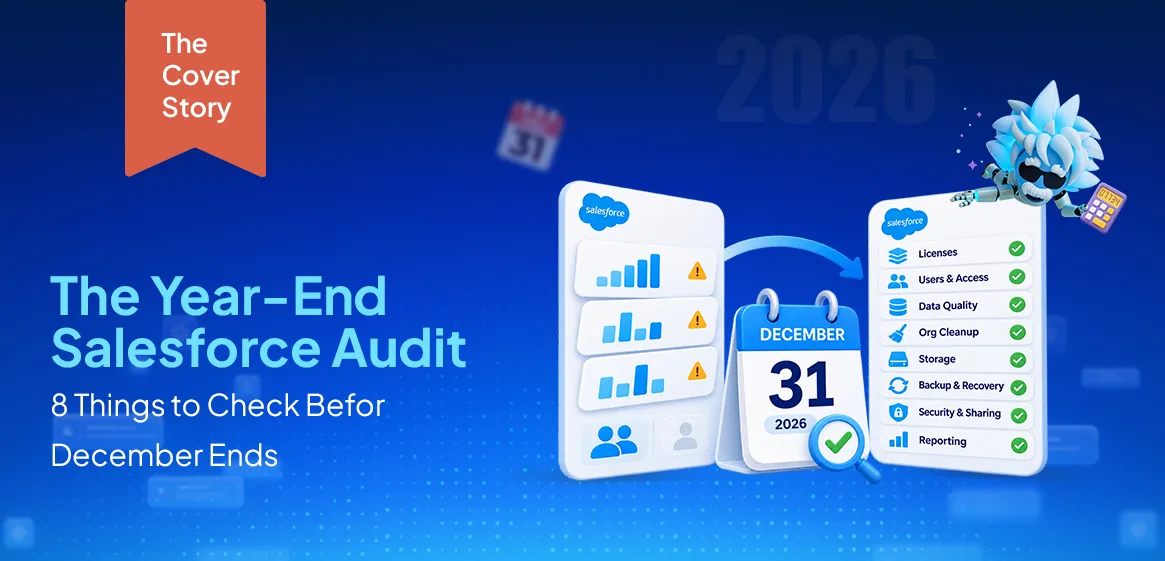 Uncategorized
Don’t Close 2026 Without This Year-End Salesforce Audit
Picture the first week back after the holidays. Everyone’s still settling in, and nobody’s really working yet. Then a message lands from leadership: they need…
Read More Marketing Cloud
Salesforce Agrees to Acquire Braze: What It Means for Marketing Cloud
Salesforce Acquires Braze for $5.66 Billion – What It Means for Marketing Cloud
Read MoreReady to Make the Most Out of Your Salesforce Instance?
Our Salesforce aces would be happy to help you. Just drop us a line at contact@360degreecloud.com, and we’ll take it from there!
Subscribe to our newsletter
Stay ahead with expert insights, industry trends, and exclusive resources—delivered straight to your inbox.
