

360 Degree Cloud 360 Degree Cloud 360 Degree Cloud 360 Degree Cloud
  • Salesforce Services
    • Advisory
      • Consulting Services
      • Health Check
      • License Cost Optimization
      • MCN Migration Readiness
      • Data 360 Readiness
    • Build & Migrate
      • Implementation Services
      • CPQ to Revenue Cloud
      • Managed Service
      • AgentExchange Services
    • Clouds
      • Core Clouds
        • Sales Cloud
        • Service Cloud
        • Marketing Cloud
        • Commerce Cloud
        • Experience Cloud
        • Pardot (MCAE)
        • Data 360
        • Tableau
        • Heroku
        • MuleSoft
        • Slack
      • Industry Clouds
        • Finance Cloud
        • Health Cloud
        • Nonprofit Cloud
        • Education Cloud
        • Manufacturing Cloud
  • Agentforce
    • Agentforce Consulting
    • AI Agents
      • AI Voice Agent
      • Call Translation Agent
      • Call Transcription Agent
      • Chatbot Agent
      • LinkedIn Leads Parsing
      • Recruitment Agent
      • SOW Generator
      • Metadata Automation
  • Products
    • Communication Suite
      • 360 SMS (Salesforce)
      • 360 SMS (Zoho)
      • 360 CTI
      • Call Logging Software
      • 360 Textolic
      • 360 Mass Mailer
      • 360 LINE
    • Productivity Suite
      • 360 Verify the Mail
  • Hire Talent
    • Salesforce Staff Augmentation
      • Hire Salesforce Developers
      • Hire Salesforce Consultant
      • Hire Salesforce Architect
      • Salesforce Solution Architect
      • Salesforce Technical Architect
    • IT Staff Augmentation Services
      • SDR
      • Microsoft Dynamics 365
      • Virtual Assistant
  • IT Services
    • IT Consulting Service
    • Mobile Development Services
    • AI Automation Services
    • Web App Development
    • Cloud Migration Services
    • AI/ML Services
    • App Development Services
    • UI/UX Development
    • QA and Testing
  • Industry
    • Non-Profit
    • Education
    • Real Estate
    • Financial Services
    • Healthcare
    • Retail
    • Insurance
    • Manufacturing
    • Professional Services
  • Resources
    • Blog
    • Pro Tips
    • Case Study
    • Webinar
  • Company
    • About Us
    • Careers
    • Contact Us
    • CSR
Talk to Us
360 Degree Cloud
  • 360 Verify the Mail
  • 360 Mass Mailer
  • Textolic
  • 360 CTI
  • 360 InstantDocs
  • 360 Call Anchor
  • 360 SMS App
  • Overview
  • Features
    • All Features
    • Mass Email Sender
    • Email Tracking
    • Email Deliverability
    • Drip Campaign Automation
    • Email Scheduling
    • Email Templates
  • How It Works
  • Industries
  • Pricing
  • Blog
Book a Demo Start Free Trial

Salesforce Email Tracking: What Actually Gets Logged and What Doesn’t

Editorial Team
Editorial Team

360 Degree Cloud

12 Jun 2026

Table of Contents
  • What Salesforce Actually Tracks—and What It Leaves Out 
  • The Gaps Most Admins Don’t Notice Until It’s Too Late 
  • Why These Gaps Matter for Sales and Ops Teams 
  • What Full Email Tracking Actually Looks Like in Salesforce 
  • How to Get Complete Email Analytics Without Leaving Salesforce 
Salesforce Email Tracking: What Actually Gets Logged and What Doesn’t

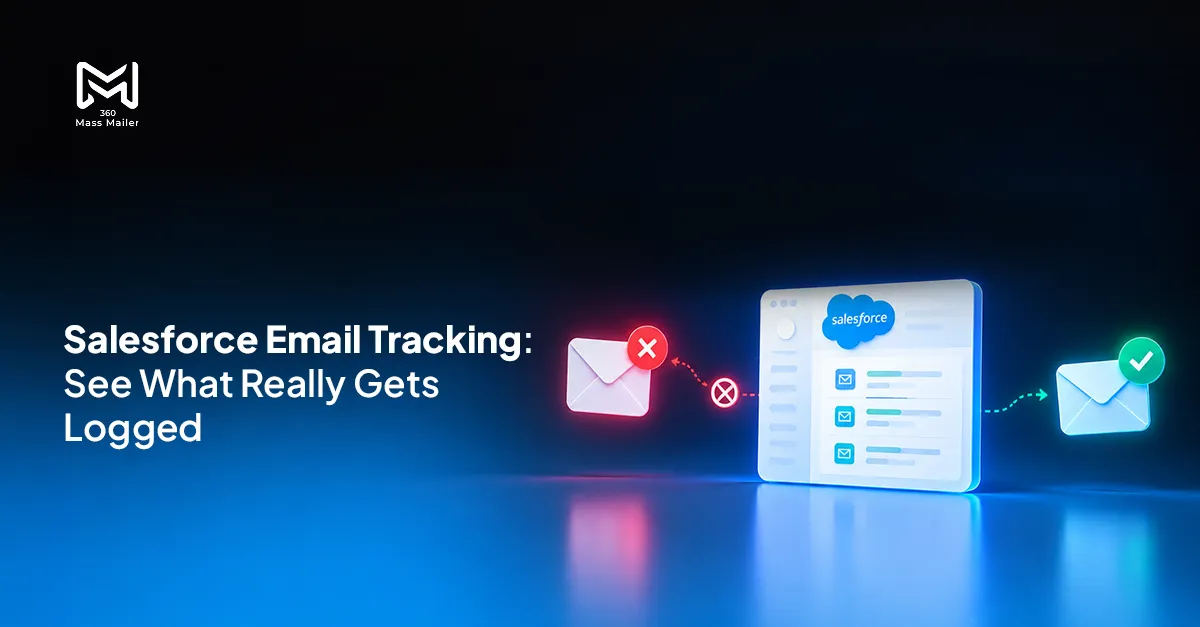
You enabled Enhanced Email. You turned on Email Tracking in Activity Settings. The Activity Timeline shows logged emails on your records. So your team has email tracking, right? Not quite. 

What Salesforce gives you out of the box is a logging mechanism, not a tracking system. There’s a difference, and it matters a lot when a rep is deciding whether to follow up, a campaign manager is calling a send successful, or an ops lead is trying to build a lead score model on top of engagement data. The truth is harsher: native Salesforce email tracking only scratches the surface. If you rely solely on it, you risk missed opportunities, flawed reporting, and wasted follow-ups.  

The assumption that email tracking in Salesforce is working is one of the most common silent problems in Salesforce orgs, and it almost never gets caught until something downstream breaks. 

Want to know how 360 Mass Mailer works and drives conversions? 
Explore this 
Want to know how 360 Mass Mailer works and drives conversions? 

Table of Contents

  • What Salesforce Actually Tracks—and What It Leaves Out 
  • The Gaps Most Admins Don’t Notice Until It’s Too Late 
  • Why These Gaps Matter for Sales and Ops Teams 
  • What Full Email Tracking Actually Looks Like in Salesforce 
  • How to Get Complete Email Analytics Without Leaving Salesforce 

What Salesforce Actually Tracks—and What It Leaves Out 

By default, Salesforce logs basic email activity, but the depth is limited. You’ll see that emails were sent and can view them in the activity timeline. Some “opens” may register if the tracking pixel loads and clicks are sometimes captured, but this is neither complete nor reliable. Bounce information is minimal and often unlinked to the contact or lead record. Essentially, admins get a partial snapshot—enough to feel informed, but insufficient to act with confidence. 

The Gaps Most Admins Don’t Notice Until It’s Too Late 

Salesforce admins often don’t realize the limitations until they see the downstream impact. 

  • Open Tracking Blind Spots 
    Open tracking relies on a tiny invisible pixel embedded in emails. When users block images, or use privacy-focused clients like Apple Mail with Mail Privacy Protection (MPP), the pixel never loads. As a result, Salesforce either underreports opens or inflates them if tracking proxies are triggered incorrectly. Admins end up believing certain leads engaged, while the true engagement picture remains hidden. 
  • Click Tracking Inconsistencies 
    Click tracking within Salesforce gives a vague idea of engagement but fails to provide link-level granularity at the record level. Multi-link emails or complex campaigns make it impossible to see exactly which link a contact clicked, leaving marketing and sales teams guessing. Without this visibility, follow-ups are often misdirected, and personalization becomes guesswork rather than data-driven action. 
  • Incomplete Bounce Data 
    Salesforce records basic send failures but does not differentiate between soft and hard bounces, nor does it update the contact record automatically. Emails sent to invalid addresses may remain in active sequences, wasting resources and degrading your sender reputation. Teams often discover these issues only when campaigns underperform, by which point valuable engagement opportunities have been lost. 
  • Downstream Impact on Operations 
    The gaps don’t just affect reporting—they break processes. Lead scoring, nurture sequences, and automated flows rely on accurate engagement data. When opens and clicks are missing or misrepresented, rules trigger incorrectly, sales teams follow up with unengaged leads, and dashboards reflect inaccurate performance metrics. The result: wasted effort, misaligned expectations, and reduced revenue potential. 

See how Salesforce drip campaigns work with email automation. 

Read this blog
See how Salesforce drip campaigns work with email automation. 

Why These Gaps Matter for Sales and Ops Teams 

Let’s make this concrete. A rep has a sequence running. They’ve sent four touches. The CRM shows some opens (MPP-inflated, as it turns out), and they interpret silence as the contact being unresponsive. In reality, the contact clicked a link on touch three and visited the product page. That signal never made it to the record. The rep moves on. The deal doesn’t. 

That’s not a hypothetical. It’s what happens when follow-up logic is built on incomplete engagement data. For ops teams, the problem compounds. If your lead scoring model weights email opens or link clicks as behavioral signals, and most do, then you’re scoring leads on data you can’t actually trust. Leads get promoted to MQL status based on phantom opens. Others get deprioritized because their genuine clicks weren’t captured. 

And if you’re using Salesforce Flows to trigger follow-up actions based on email engagement? Those automations are only as smart as the data feeding them. Incomplete tracking means 

What Full Email Tracking Actually Looks Like in Salesforce 

Full email tracking in Salesforce means engagement data (opens, individual link clicks, bounces, unsubscribes) lives on the record. Not in a separate dashboard. Not in an aggregate report you have to export. On the Contact, Lead, or Account record where your team actually works. 

360 Mass Mailer is built natively inside Salesforce. It doesn’t push data from an external system back to the CRM as a best-effort sync. Every engagement event is a native Salesforce record, written directly to the object it belongs to. 

Here’s what that looks like in practice: 

  • Opens are logged with timestamp and open count, so reps can see not just that an email was opened, but how many times and when 
  • Link-level clicks are tracked individually. You can see which specific link a recipient clicked within a campaign email, mapped to their record 
  • Bounces are classified (hard vs. soft) and written back to the Contact or Lead record, not just surfaced in a campaign summary 
  • Unsubscribes trigger suppression automatically, keeping your sends compliant without manual list management 

This data feeds directly into Salesforce reports and dashboards. No custom development. No third-party analytics layer. If you want a dashboard showing click-to-open ratios by campaign, segmented by industry or region, you build it the same way you’d build any other Salesforce report. 

How to Get Complete Email Analytics Without Leaving Salesforce 

The setup path with 360 Mass Mailer is intentionally light. Because it runs natively inside Salesforce, there’s no separate integration to configure and no API keys to manage. Once installed from the AppExchange, tracking is on by default for all emails sent through the platform. 

For teams already using Salesforce Flow for campaign automation, 360 Mass Mailer’s engagement data is available as trigger criteria. A bounce can kick off a data cleanup task. A link click can advance a lead score. An open after 14 days of silence can re-queue a record for follow-up, without a human manually reviewing a report first. 

That’s the version of email tracking in Salesforce that most teams think they already have. The native setup gets you close enough to assume it’s working. But when you look at what’s actually being captured at the record level, the gaps are usually wider than expected. 

The teams that catch this early tend to be the ones building automation on top of engagement data and noticing that behavior signals don’t match what their reps are seeing. If your sequences feel like they’re running blind, the tracking layer is often the first place to check. 
Ready to get full email tracking and analytics inside Salesforce using 360 Mass Mailer?

Top-rated CTI solution

4.93
★★★★★
Review (61) on SalesforceAppexchange Read our Reviews

Solve It with Salesforce. We’ll Show You How.

Captcha

Refresh

By submitting this form, I acknowledge that I have read and understand 360 Degree Cloud's Privacy Policy.
AI. Apps. Experts. Everything you need to win with Salesforce under one roof.

Share this Blog

Frequently Asked Questions

Does Salesforce track every email open natively? 

No. Open tracking depends on pixels rendering, which is blocked by many email clients and Apple’s Mail Privacy Protection. Full visibility requires a tool like 360 Mass Email. 

Can I see which link a contact clicked in Salesforce? 

Native Salesforce tracking only gives general click activity. With 360 Mass Email, every link click is tied to the record for actionable insight. 

How are bounces handled? 

Salesforce tracks minimal send failures and doesn’t update records automatically. 360 Mass Email logs soft and hard bounces and updates the contact or lead record in real time. 

Do I need a developer to enable complete analytics? 

No. 360 Mass Email is native to Salesforce and doesn’t require custom development to track opens, clicks, or bounces at the record level. 

Can I integrate email engagement data with Salesforce Flows and dashboards? 

Yes. All tracked engagement feeds directly into reports, dashboards, and Flows for automated sequences and lead scoring. 

Editorial Team

About the author

Editorial Team

The Editorial Team at 360 Degree Cloud brings together seasoned marketers, Salesforce specialists, and technology writers who are passionate about simplifying complex ideas into meaningful insights. With deep expertise in Salesforce solutions, B2B SaaS, and digital transformation, the team curates thought leadership content, industry trends, and practical guides that help businesses navigate growth with clarity and confidence. Every piece we publish reflects our commitment to delivering value, fostering innovation, and connecting readers with the evolving Salesforce ecosystem.

Recent Blogs
7 Best Pardot (Account Engagement) Alternatives for Salesforce Teams in 2026 Comparison
Nov 18, 2026

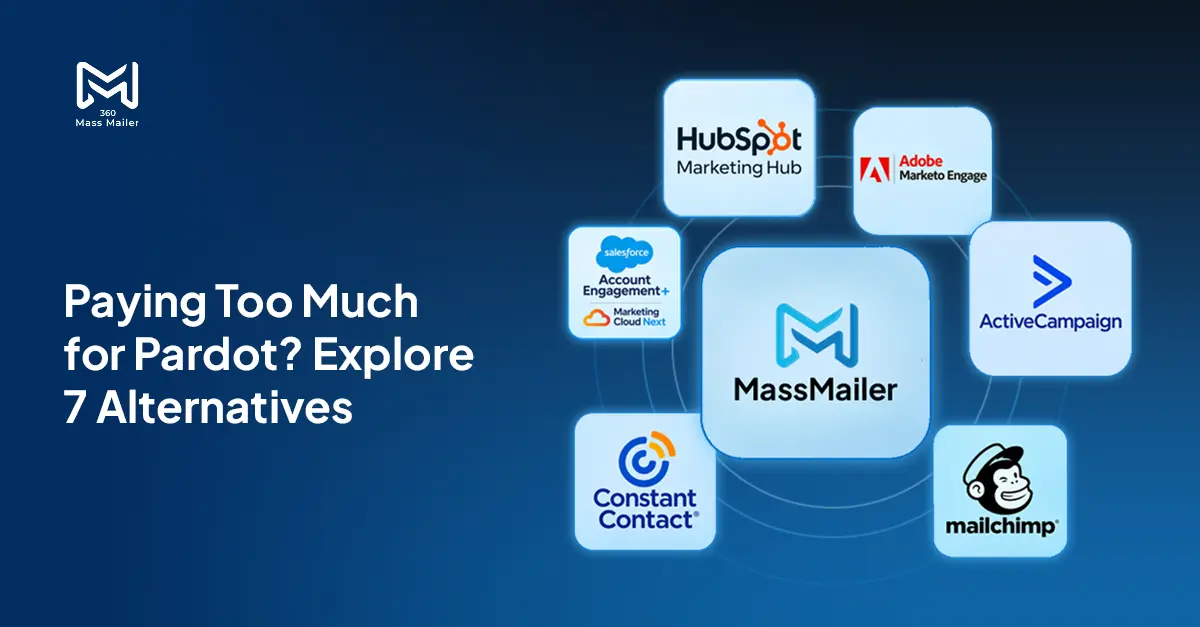
7 Best Pardot (Account Engagement) Alternatives for Salesforce Teams in 2026

Paying $1,250 a month for Pardot when your team mostly sends newsletters, bulk emails, and follow-ups? You might be paying for far more marketing automation…

Read More
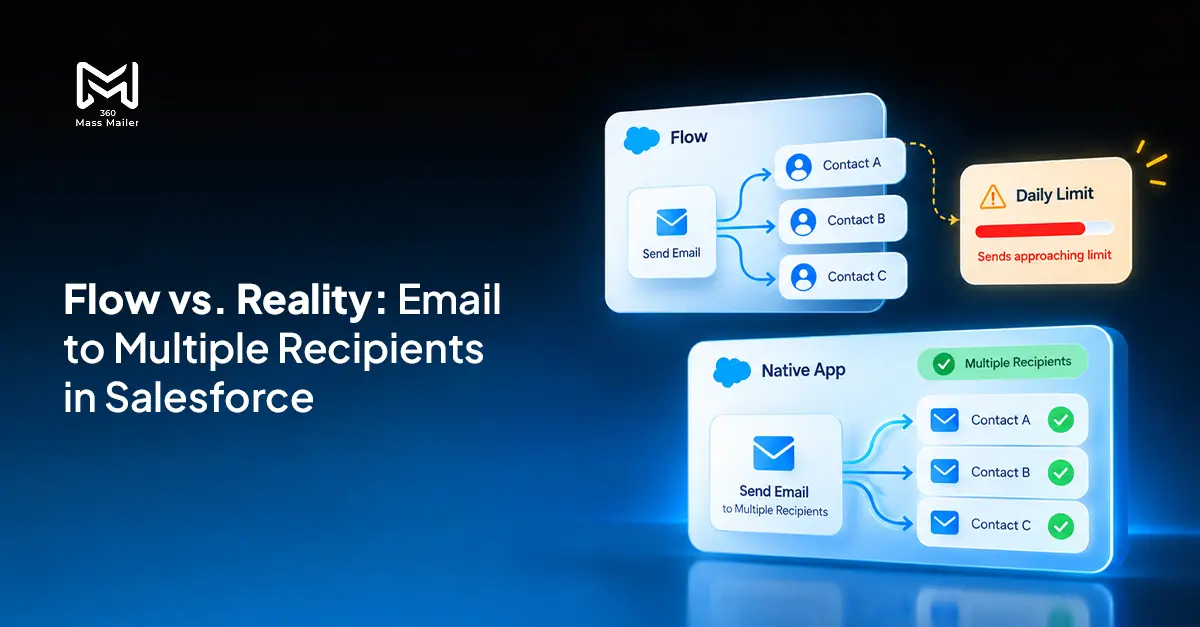
Send Email to Multiple Recipients in Salesforce Flow: What Works and Where It Breaks Email Marketing
Oct 19, 2026

Send Email to Multiple Recipients in Salesforce Flow: What Works and Where It Breaks

You’ve got a Flow that fires on a record update. You need it to send email to multiple recipients in Salesforce. The logic seems simple:…

Read More
7 Best Drip Campaign Tools for Salesforce in 2026: Features, Limits, and Pricing Compared Comparison
Oct 15, 2026

7 Best Drip Campaign Tools for Salesforce in 2026: Features, Limits, and Pricing Compared

Most comparisons of the best drip campaign tools for Salesforce make the same mistake: they treat native tools and connected tools as if they’re interchangeable.…

Read More

Ready to Make the Most Out of Your Salesforce Instance?

Talk to Us!

Our Salesforce aces would be happy to help you. Just drop us a line at contact@360degreecloud.com, and we’ll take it from there!

Subscribe to our newsletter

Stay ahead with expert insights, industry trends, and exclusive resources—delivered straight to your inbox.



1968 S. Coast Hwy #1412, Laguna Beach, CA 92651, USA

+1 309 316 7929 (USA)

+44 7897 031106 (UK)

+61 480 094 870 (AUS)

+91 8527100121 (IN-Sales)

contact@360degreecloud.com

recruiters@360degreecloud.in

Our Approach

  • Hire and Train Deploy Model
  • Resource based Model
  • On Site Model
  • Offsite Model
  • Hybrid Model
  • Offshore Model
  • Fixed Cost Model
  • T and M Model

Clouds

  • Sales Cloud
  • Marketing Cloud
  • Service Cloud
  • Experience Cloud
  • Commerce Cloud
  • Analytics Cloud

Quick Link

  • About Us
  • Careers
  • Blog
  • Cookie Policy
  • Terms of Use
  • Privacy Policy
  • Terms of Service
© 2026 360 Degree Cloud. All rights reserved.

We use cookies to enhance your browsing experience, serve personalized ads or content, and analyze our traffic. By clicking "Accept All", you consent to our use of cookies.

Customize Consent Preferences

We use cookies to help you navigate efficiently and perform certain functions. You will find detailed information about all cookies under each consent category below.

The cookies that are categorized as "Necessary" are stored on your browser as they are essential for enabling the basic functionalities of the site.

We also use third-party cookies that help us analyze how you use this website, store your preferences, and provide the content and advertisements that are relevant to you. These cookies will only be stored in your browser with your prior consent.

You can choose to enable or disable some or all of these cookies but disabling some of them may affect your browsing experience.


› Necessary Always Active

Necessary cookies are required to enable the basic features of this site, such as providing secure log-in or adjusting your consent preferences. These cookies do not store any personally identifiable data.

CookiePHPSESSID
DurationSession
DescriptionNative to PHP applications. Stores and identifies a user's unique session ID to manage user sessions on the website. Deleted when all browser windows are closed.
Cookie_lfa
Duration1 year
DescriptionSet by Leadfeeder to identify the IP address of devices visiting the website, in order to retarget multiple users routing from the same IP address.
Cookietwk_idm_key
DurationSession
DescriptionSet by Tawk to allow the website to recognize the visitor in order to optimize the chat-box functionality.
CookieTawkConnectionTime
DurationSession
DescriptionSet by Tawk.to live chat. Helps remember users so that previous chats can be linked together for improved service.
CookieNID
Duration6 months
DescriptionSet by Google for advertising purposes; to limit the number of times the user sees an ad, mute unwanted ads, and measure the effectiveness of ads.
Cookieccb_consent
Duration365 days
DescriptionSet by this site's cookie consent banner to remember your accepted/rejected categories, so your preferences are respected on subsequent visits. Does not collect or store any personally identifiable data.

› Functional

Functional cookies help perform certain functionalities like sharing the content of the website on social media platforms, collecting feedback, and other third-party features.

CookieUserMatchHistory
Duration1 month
DescriptionLinkedIn sets this cookie for LinkedIn Ads ID syncing.
Cookielidc
Duration1 day
DescriptionLinkedIn sets this cookie to facilitate data center selection.
Cookieli_gc
Duration6 months
DescriptionLinkedIn sets this cookie for storing visitor's consent regarding using cookies for non-essential purposes.

› Analytics

Analytical cookies are used to understand how visitors interact with the website. These cookies help provide information on metrics such as the number of visitors, bounce rate, traffic source, etc.

Cookie_gcl_au
Duration3 months
DescriptionSet by Google Tag Manager to experiment with advertisement efficiency of websites using their services.
Cookie_ga
Duration1 year 1 month 4 days
DescriptionSet by Google Analytics to calculate visitor, session and campaign data and track site usage. Stores information anonymously and assigns a randomly generated number to recognise unique visitors.
Cookie_gid
Duration1 day
DescriptionSet by Google Analytics to store information on how visitors use a website and create an analytics report of the website's performance.
Cookie_gat_UA-*
Duration1 minute
DescriptionSet by Google Analytics for user behaviour tracking.
Cookie_fbp
Duration3 months
DescriptionSet by Facebook to display advertisements when either on Facebook or on a digital platform powered by Facebook advertising after visiting the website.
CookieAnalyticsSyncHistory
Duration1 month
DescriptionSet by LinkedIn to store information about the time a sync took place with the lms_analytics cookie.
Cookie_gat_gtag_UA_*
Duration1 minute
DescriptionSet by Google Analytics to store a unique user ID.
Cookie_ga_*
Duration1 year 1 month 4 days
DescriptionSet by Google Analytics to store and count page views.
CookieCONSENT
Duration2 years
DescriptionSet by YouTube via embedded videos and registers anonymous statistical data.

› Performance

Performance cookies are used to understand and analyze the key performance indexes of the website which helps in delivering a better user experience for the visitors.


› Advertisement

Advertisement cookies are used to provide visitors with customized advertisements based on the pages you visited previously and to analyze the effectiveness of the ad campaigns.

Cookietest_cookie
Duration15 minutes
DescriptionSet by doubleclick.net to determine if the user's browser supports cookies.
Cookiebcookie
Duration1 year
DescriptionLinkedIn sets this cookie from LinkedIn share buttons and ad tags to recognize browser IDs.
Cookiebscookie
Duration1 year
DescriptionLinkedIn sets this cookie to store performed actions on the website.
CookieYSC
DurationSession
DescriptionSet by YouTube to track the views of embedded videos on YouTube pages.
CookieVISITOR_INFO1_LIVE
Duration6 months
DescriptionSet by YouTube to measure bandwidth, determining whether the user gets the new or old player interface.
Cookieli_sugr
Duration3 months
DescriptionSet by LinkedIn to collect user behaviour data to optimise the website and make advertisements more relevant.
CookieIDE
Duration1 year 24 days
DescriptionGoogle DoubleClick IDE cookies store information about how the user uses the website to present them with relevant ads according to the user profile.

› Uncategorized

Other uncategorized cookies are those that are being analyzed and have not been classified into a category as yet.


We use cookies to enhance your experience. You may opt out of the sale or sharing of your personal information at any time.

logo Live Chat

Contact Our Expert

Loading...
captcha
By submitting this form, I acknowledge that I have read and understand 360 Degree Cloud's Privacy Policy
